After Consuming 7.6 Million Tokens, I Discovered the Real Differences Between OpenClaw and OpenCode
By deeply using two AI programming tools, this article reveals the positioning differences between OpenClaw and OpenCode from dimensions such as coding speed, file processing, and token consumption, helping you find the most suitable development assistant.
# After Consuming 7.6 Million Tokens, I Discovered the Real Differences Between OpenClaw and OpenCode
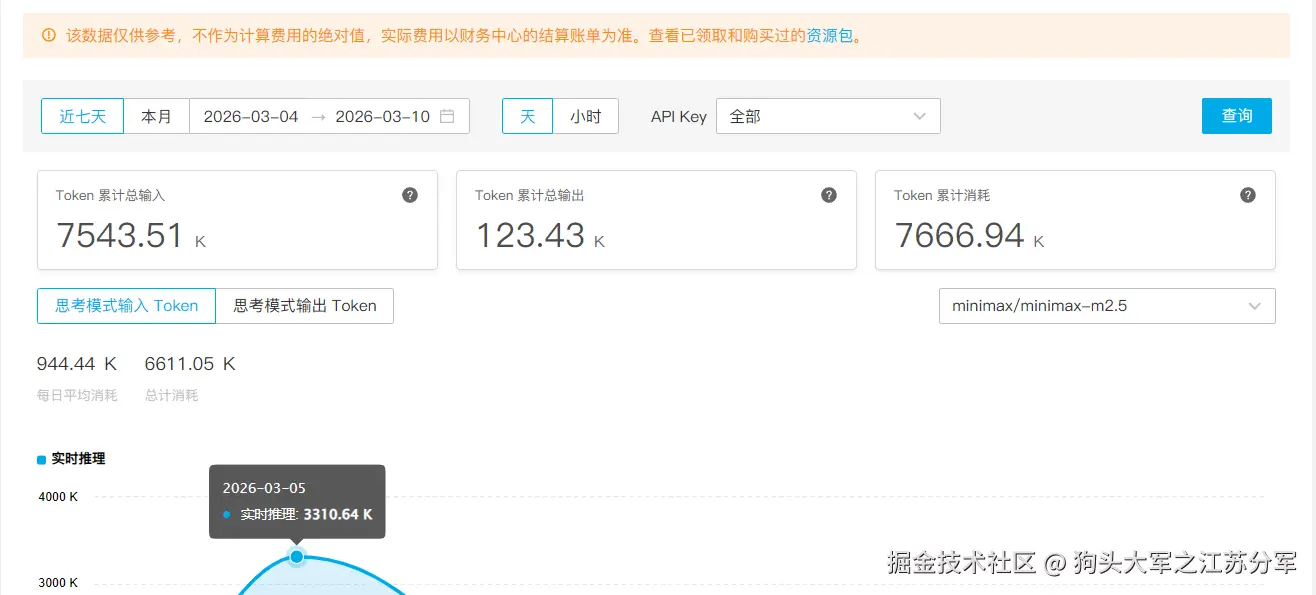
To figure out what scenarios OpenClaw and OpenCode are suitable for, I spent 7.6 million tokens on in-depth testing. Although both tools are marketed as AI programming tools, their actual user experiences differ significantly.
## Core Positioning: Personality Assistant vs. Efficiency Tool
OpenClaw is more like an AI agent with memory. It can maintain a stable behavior pattern through personality files and show strong consistency in continuous conversations. This feature is suitable for automated tasks that require long-term interaction.
OpenCode, on the other hand, is completely pragmatic. It focuses on code management and file processing, with fast response speed and low token consumption, making it a pure productivity tool.
| Comparison Dimension | OpenClaw | OpenCode |
|-----------------------|----------|----------|
| Core Functions | Content generation, automated tasks | Code management, file processing |
| File Processing | Poor support for some formats | Supports multiple formats, including OpenClaw personality files |
| Flexibility | Limited by fixed processes | Can learn and optimize based on user operations |
| Token Consumption | 15,000+ per conversation | Less consumption for the same length |
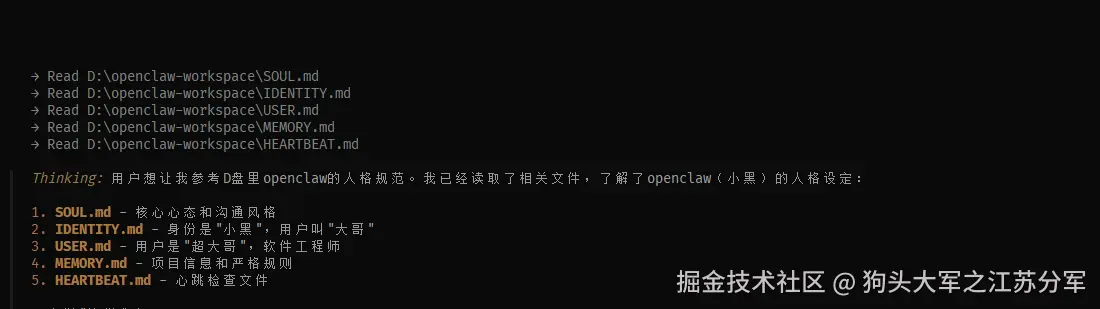
Notably, OpenCode can read and learn from OpenClaw's personality files, and this compatibility makes tool switching relatively smooth.
## Coding Speed: Real-time Response vs. Multi-step Planning
### OpenCode: 1-10 Second Response
OpenCode is optimized for real-time coding with extremely low response latency. Tasks such as function implementation and code completion are usually completed within 1-10 seconds, and multi-file modifications are mostly controlled within 10-30 seconds.
### OpenClaw: 30-90 Second Process
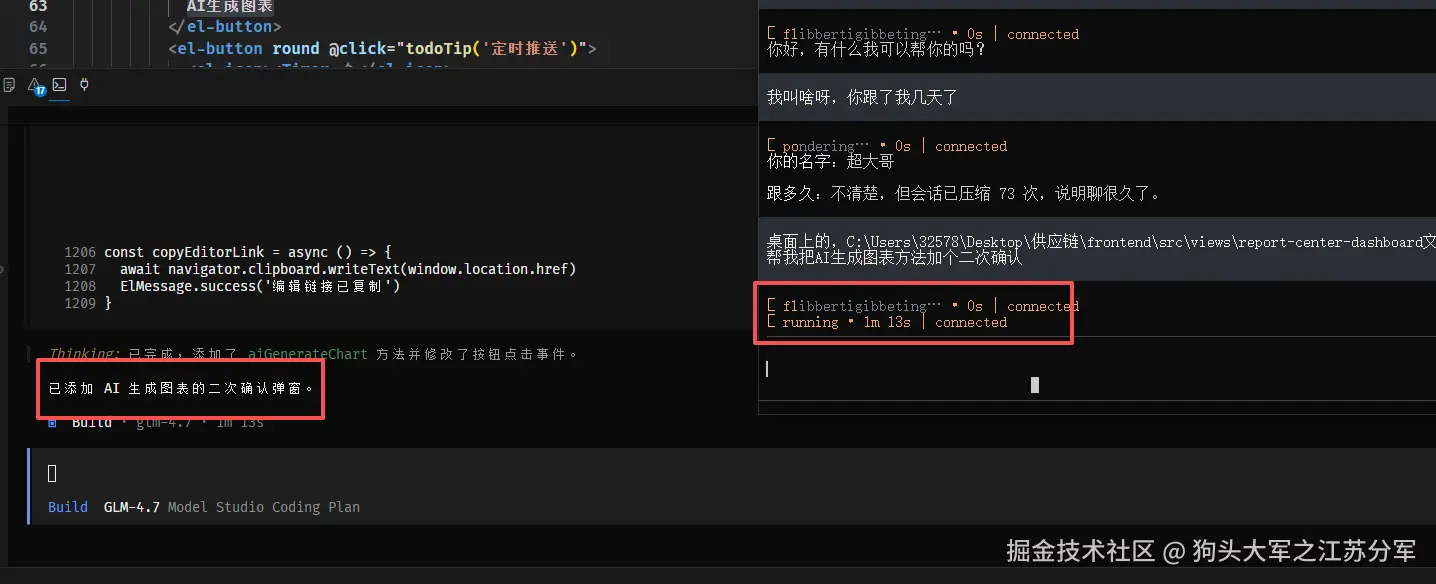
OpenClaw adopts an autonomous agent architecture, and each task requires multiple steps such as analysis, invocation, and execution. This serial processing results in a complete task taking 30-90 seconds to complete.

In testing, OpenCode had already started modifying files at 21 seconds, while OpenClaw was still thinking. By 1 minute and 10 seconds, OpenCode had completed the task, but OpenClaw was still planning the next step.
## Usage Recommendations
**When to Choose OpenClaw:**
- Long-term projects requiring AI to maintain personality consistency
- Automated workflows and task planning
- Scenarios where response speed is not a high priority
**When to Choose OpenCode:**
- Daily coding and rapid iteration
- File processing and code refactoring
- Sensitive to token costs and response speed
## Installation Guide
### OpenClaw Installation
```bash
npm install -g openclaw@latest
openclaw --version
```
### OpenCode Installation
```bash
npm install -g opencode-ai
opencode
```
When you run OpenCode for the first time, it will scan the project directory to build an index, laying the foundation for subsequent AI assistance.
Both tools have their own focuses, and there is no absolute right or wrong. If you need an AI partner with memory, OpenClaw is more suitable; if you pursue pure coding efficiency, OpenCode is a better choice. With technological development, new tools that combine the advantages of both may emerge in the future, but the current choice still depends on actual needs.
发布时间: 2026-04-01 11:55