Kimi Reaches into Blender: 3D Workflows Are Starting to Be Rewritten by Scripts
Kimi has launched 3D Make, which can drive Blender, CAD, and game engines through Python scripts. The official tutorial provides four types of projects and five practices, while users online are more concerned about access permissions, CAD tools, animation export, and security boundaries.
Kimi has launched 3D Make. It can connect to Blender, CAD tools, and game engines to create models, build scenes, and develop games. The official announcement says it is now available on kimi.ai and Kimi Work.
The official tutorial splits 3D modeling into two paths. Parametric modeling is suitable for things that can be described with dimensions, structure, and rules, such as product shapes, furniture, mechanical parts, and buildings. Mesh modeling is suitable for characters, animals, statues, monsters, and complex props. Agents like Kimi can directly write code to build 3D models, and can also call 3D generation services such as Tripo, Meshy, and Hyper3D. The tutorial specifically mentions that Kimi K3.1 Pro has been trained to use Python scripts to control 3D tools, so even software without MCP support can be brought into the workflow. Mesh modeling is still a weak spot for language models; diffusion models like Tripo are more suitable, and Kimi will automatically prepare prompts and reference images before calling the tools.
In the plugin list, you can see Tripo 3D generation, Blender 3D helper, Unity, Unreal Engine, Rhino, Tripo AI, FreeCAD, Roblox Studio, 3D Slicer, and Autodesk Fusion. Plugins that require locally installed software are only available in Kimi Work. Choosing an entry point is also simple: for quickly making a 3D website or standalone model, go to Kimi.ai; to operate local software such as Unity and Unreal Engine, use Kimi Work or Kimi Code; to connect models into an existing pipeline, use the API.
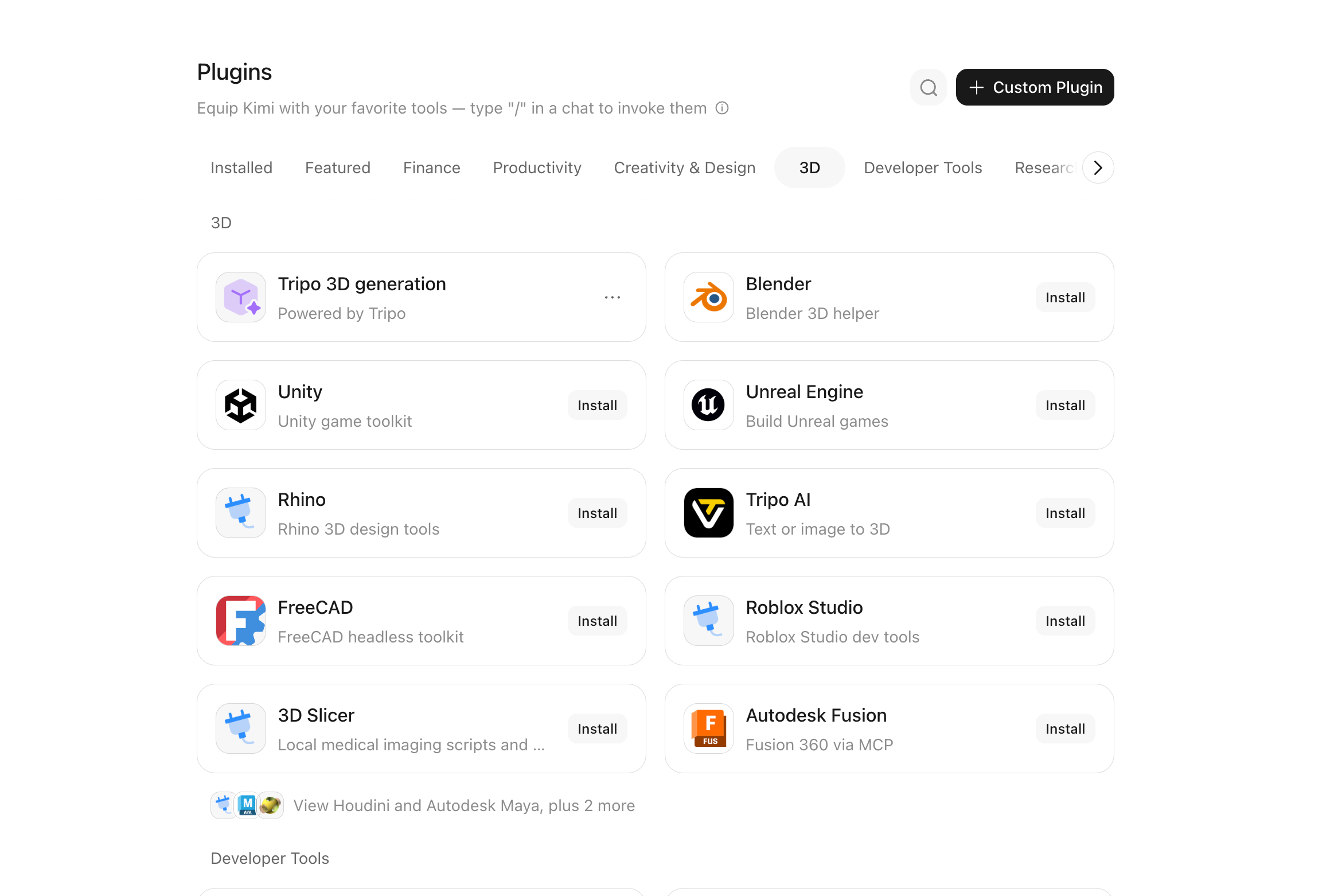
After the release, some users in replies first asked about access permissions, and the screenshots also asked how to get in. Someone said that Kimi driving Blender can save hours of scene adjustment; someone asked what the CAD tools are and whether they are open source; someone asked what kind of computer is needed to run it locally; and someone guessed whether it drives Blender through Blender's Python API. The answer in the tutorial leans toward the latter: K3.1 Pro has been specifically trained to use Python scripts to operate 3D tools. Some users also reminded that Blender scenes can carry Python scripts, so when Kimi opens a scene made by a stranger, fun and risk come together. A more specific test came from one user: the GLB he exported had 24 images but only 0 animation clips, and the next step was to test exporting a scene with animations and reopening it in Blender. These feedback points illustrate the current boundaries better than the launch video.

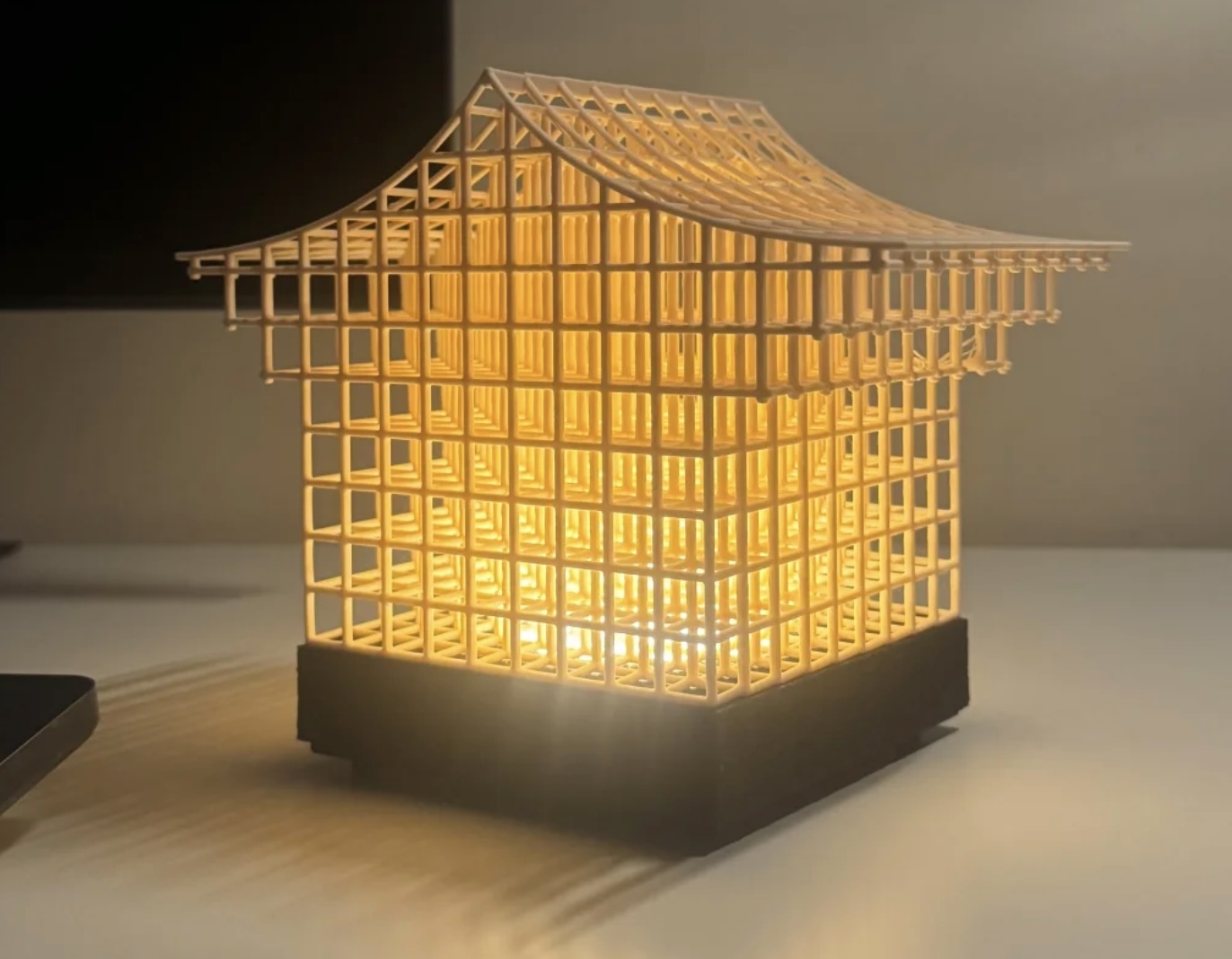
The official tutorial provides four projects. The first is to build the Heavenly Palace in Unreal Engine, using Blender to make colonnades and a giant dragon, using MetaHuman for characters, and then rendering with Nanite and Lumen. The source models for the scene total 36 million triangles. The process is to first build elements from reference images, then assemble the scene in the engine, and finally adjust the camera and effects. The second is to use 3D Make to design a Fujian tulou table lamp. Given the lampshade diameter, total height, and LED module dimensions, Kimi models it with Blender or CAD tools, splits it into printable parts, exports STL, and finally checks dimensions and supports in slicing software. The third is to generate a building entirely with code in Blender, requiring multi-angle views, floor plans, sections, interior office areas, and circulation, as well as adjustable time, weather, and sunlight. The fourth is to use Tripo to generate feature assets such as fountains and statues, then use Blender scripts to create terrain, streets, steps, and trees, and finally export a video orbiting the city.

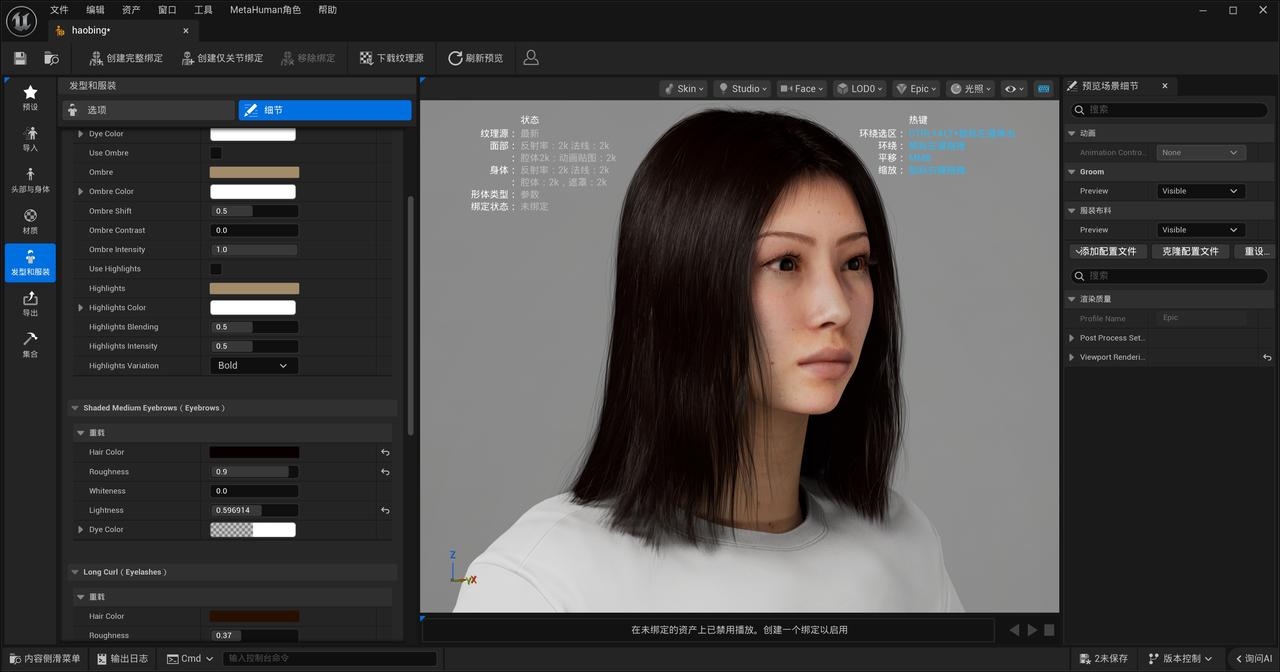
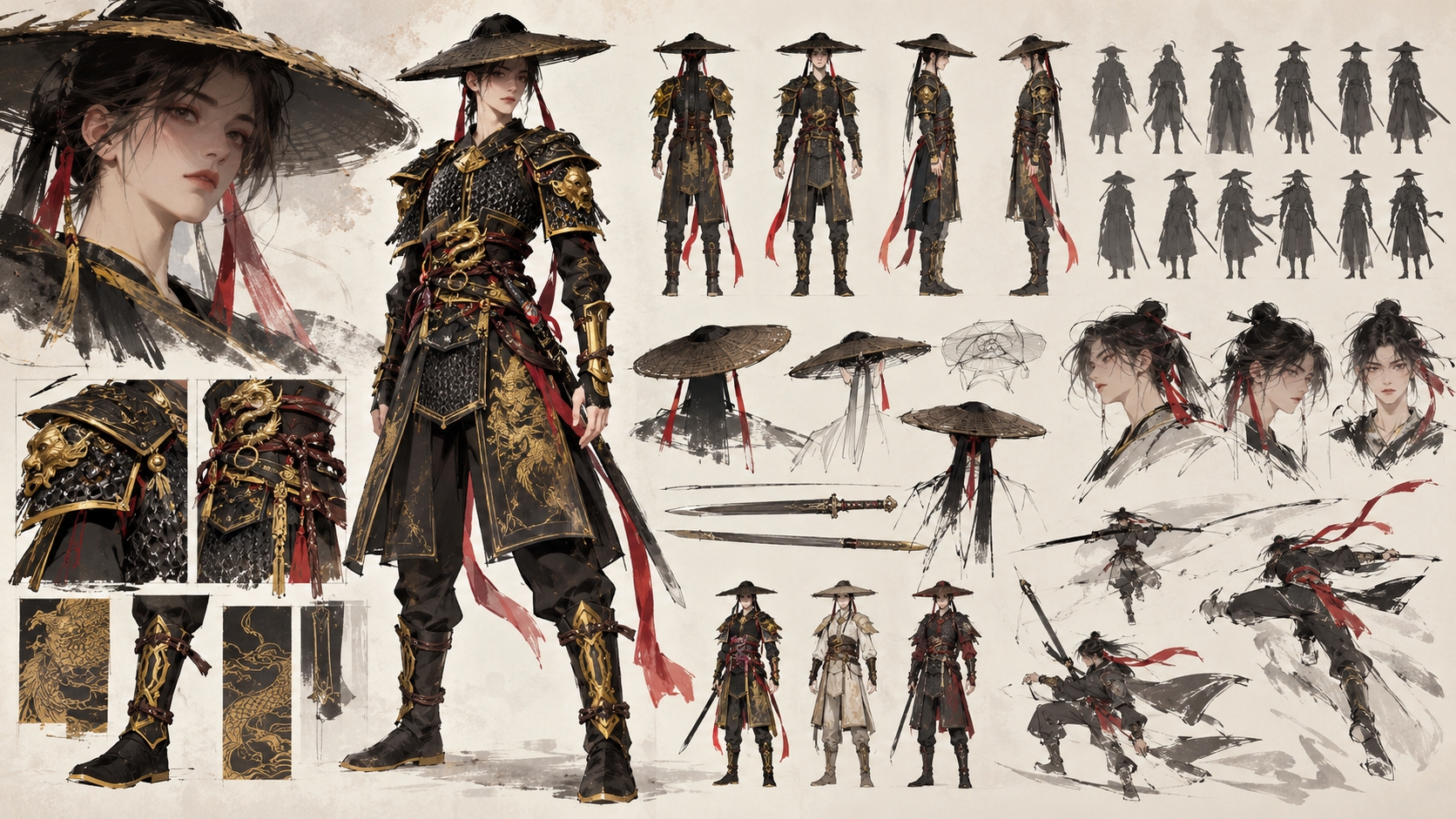
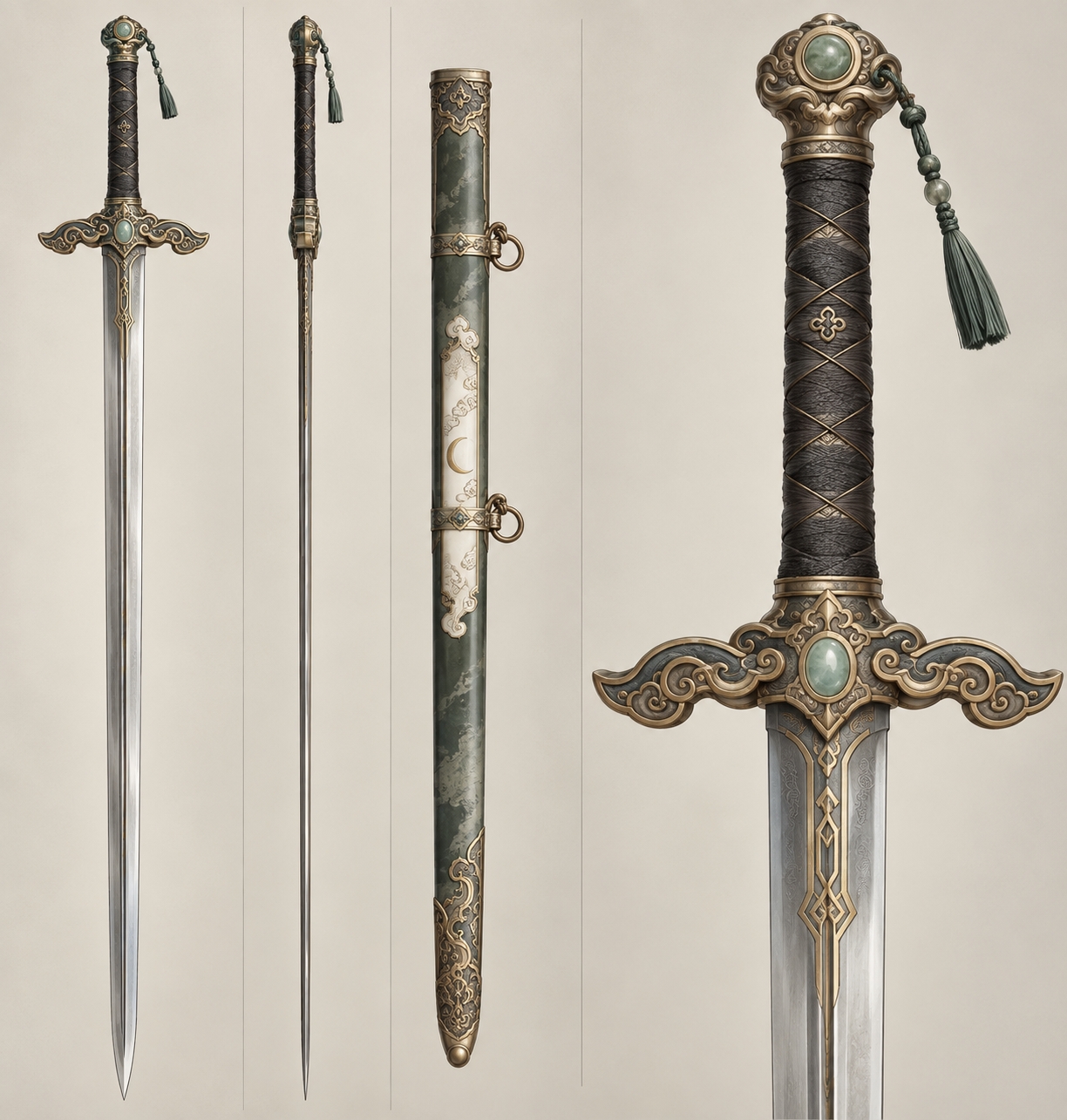
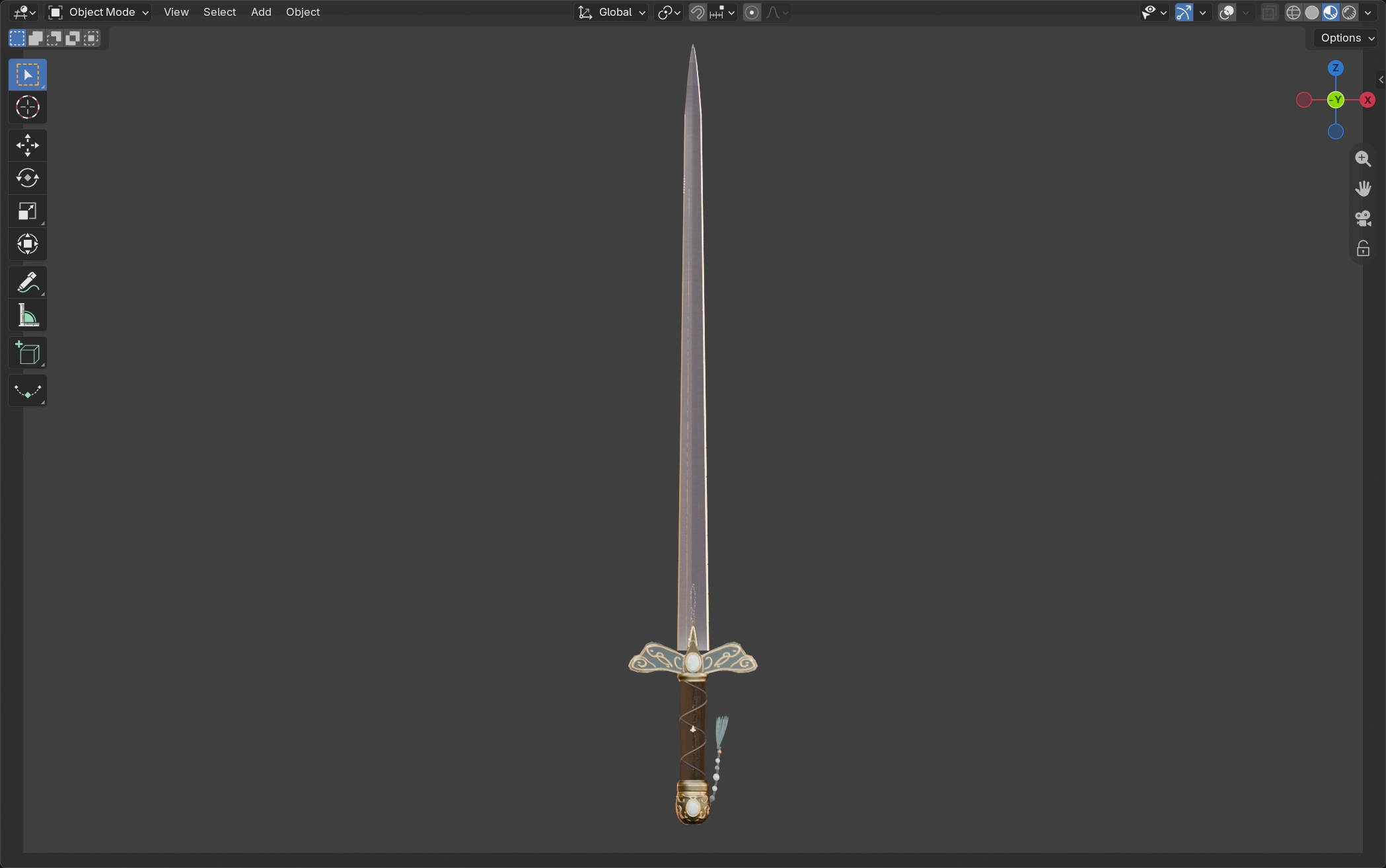
The Kimi team also provided five practices. Use reference images or videos with a complete subject, simple background, and clear outline; for mechanical parts, write down hole spacing, hole diameter, and plate thickness. Letting Kimi analyze reference images and write production prompts is more effective than users piling up terminology themselves. For complex scenes, first do a blockout with boxes and cylinders to confirm scale, position, and spatial relationships, then refine models, materials, and lighting. Tables, chairs, trees, rocks, sound effects, and animations can first use existing asset libraries; the tutorial names Poly Haven, Kenney, and GSAP, and reminds users to check CC0 and custom licenses carefully. Finally, save validated workflows as skills, storing materials, lighting, cameras, check items, export formats, and scripts together. Asset libraries store what to use; skills store how to work.
What is more worth looking at is the position in the toolchain. 3D generation is not new. This time Kimi places its entry point next to professional tools such as Blender, CAD, Unity, Unreal Engine, and Godot, using scripts and plugins to operate them. For developers, the value lies in automation and iterability: modeling code, project files, and asset lists can all be retained. For ordinary users, the barrier is lower, but aesthetics, acceptance checks, and security judgment have not disappeared. The official announcement also lists the next problems to solve: character rigging and deformation, complex materials and physics simulation, and scale and style consistency in complex scenes. The Blender donut tutorial has gained a competitor, but tutorials have not disappeared; they have just changed from clicking buttons to writing clear requirements, looking at results, and revising another round.
The official tutorial is here: How to Create Better 3D Projects with Kimi
发布时间: 2026-10-30 23:40