Building an open-source TeamViewer in two days: the most critical step was stopping the AI from renaming things
Codez used Opus 5.5 to turn an open-source base into DuoDesk, with zero lines of handwritten code, across Windows, macOS, Linux, and Android. The most valuable step in the build log was an agent whose only job was to list names that must not be changed.
When Windows and Mac sit side by side, switching the mouse and keyboard back and forth is a pain. Codez released DuoDesk on X: one mouse and keyboard, clipboard, file drag-and-drop, a second screen, and phone notifications, merging multiple devices into a single desk. The project is free and open source, available for download from both the official site and GitHub. Movez's build log says it was completed in two days with zero lines of handwritten code. The official FAQ states that it is a redesigned fork of TwinDesk, based on GPL-3.0, not a from-scratch TeamViewer.
It solves the everyday friction between multiple computers. The official site lists support for macOS 13+, Windows 10/11, Linux X11/Wayland, and Android 10+. Connection methods include the same Wi-Fi, USB cable, Bluetooth, and Wi-Fi Direct; for multiple devices it uses DuoDesk Mesh. Pairing requires confirming a six-digit code, and communication between devices is encrypted, with no account, no cloud, and no telemetry. Features include cross-screen mouse and keyboard, clipboard for text/images/files, dragging files across screens, using an old laptop or tablet as a second screen, opening another computer's apps as windows, phone call and SMS notifications, camera sharing, and a Ctrl+K command bar. Every feature is off by default and only loads after being enabled.
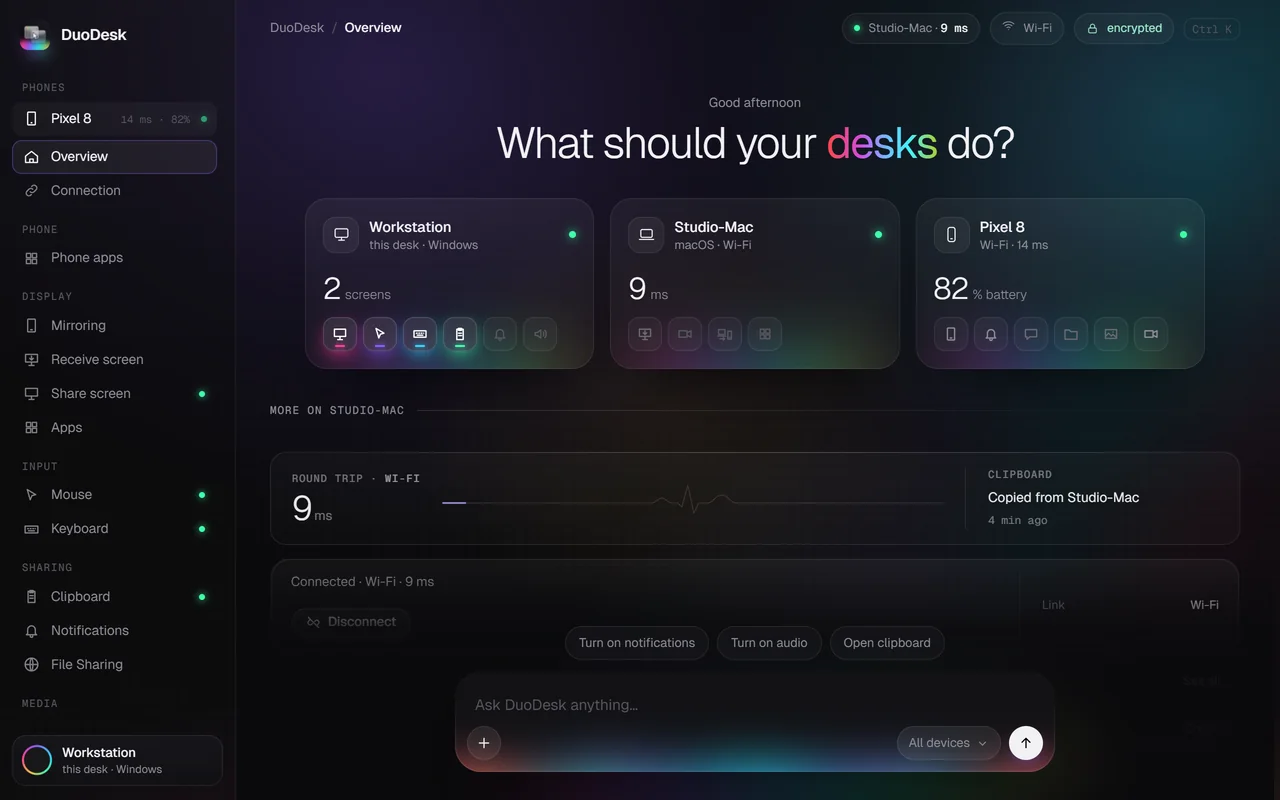
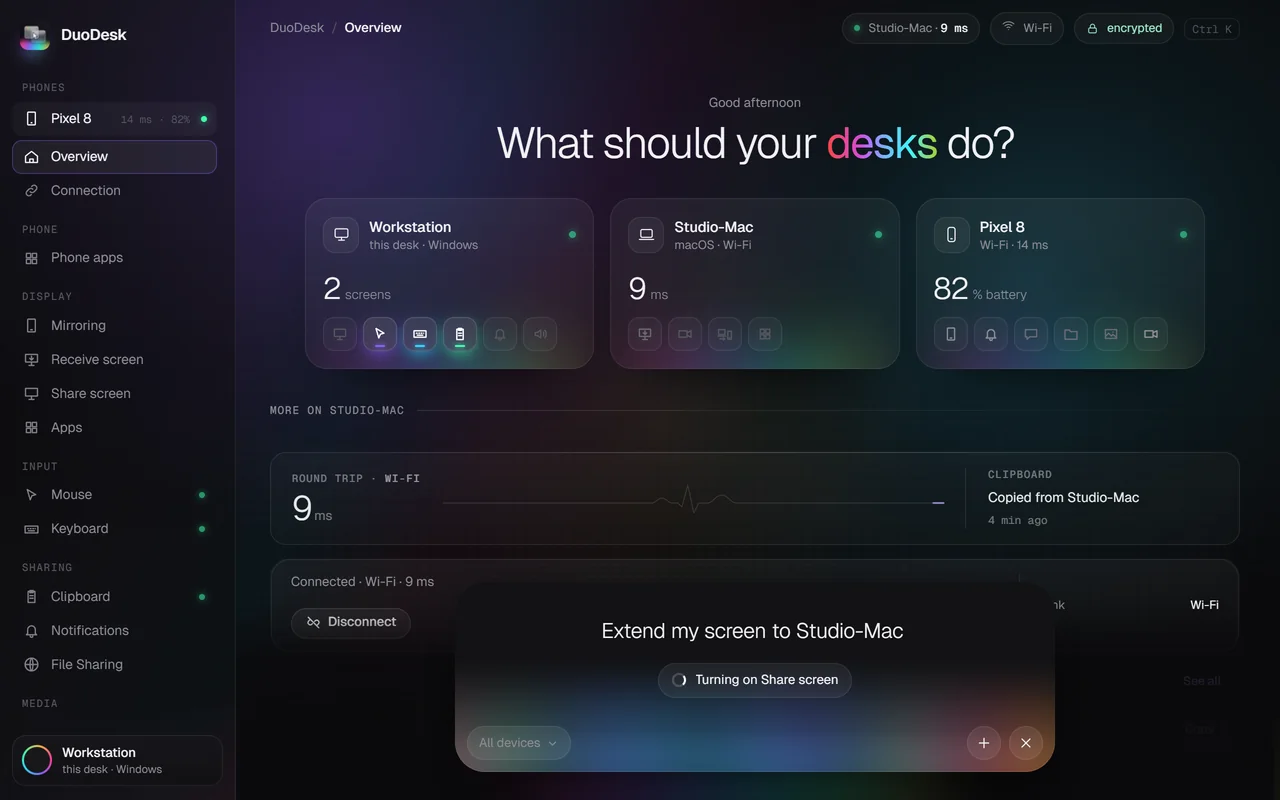
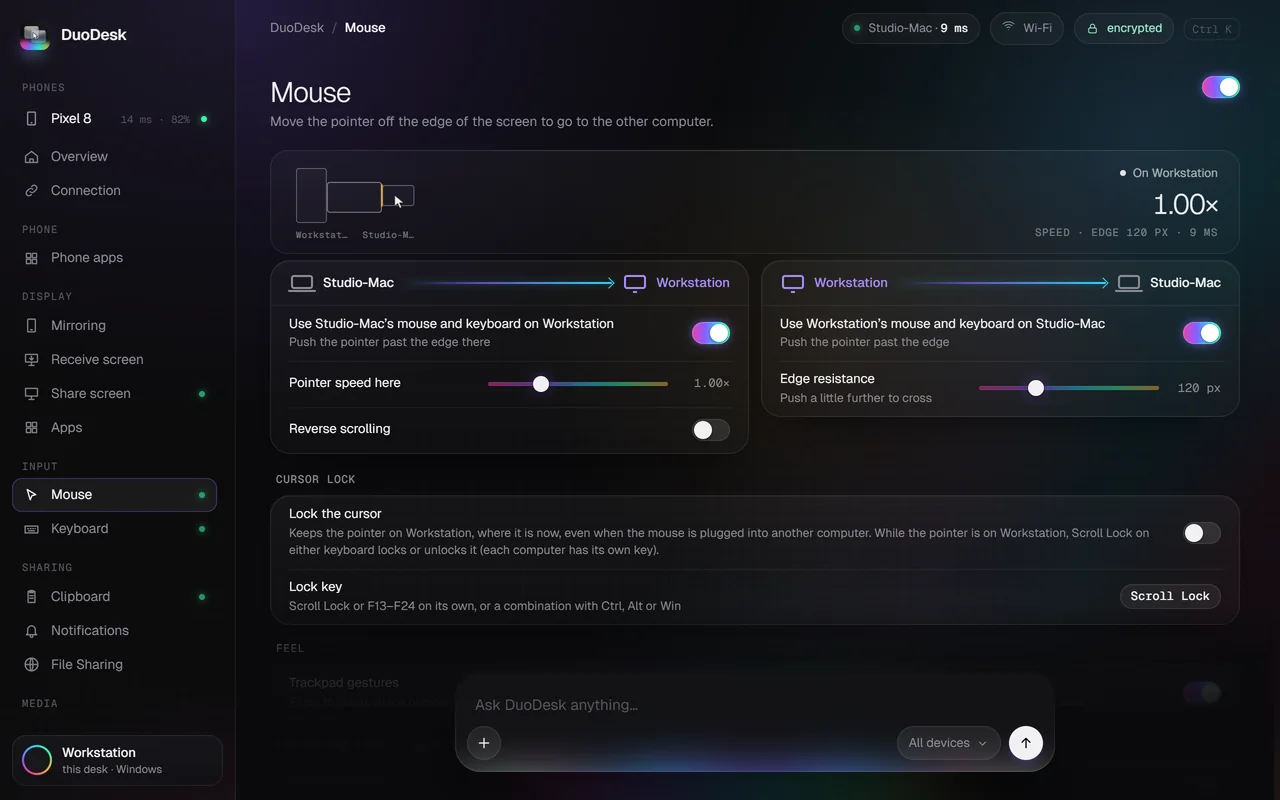
The build process is more interesting than the phrase 'zero lines of code.' Movez's quoted tweet lays out the steps: first have Opus 5.5 read the entire codebase, covering each system's Electron app, shared JS, Windows C#, macOS Swift, Linux C, and the Android app; first make four UI concept HTMLs and have the project owner choose; 11 parallel agents modify about 370 files; one agent writes only a list of 'names that must not be changed,' including package IDs, URL schemes, ports, helper exe names, settings directories, and protocol message names, so older devices don't fail to pair. CI builds .dmg, .exe, AppImage, .deb, and .apk by tag, and Mac builds run on cloud Apple hardware. On the first real-device test, the cursor got stuck at the edge of the Windows screen; Opus read the logs to locate it and had the app record why it refused to cross. Another agent used a test deployment to take down the live site; Opus rolled back in 20 seconds and revoked deployment permissions from all agents. The official download button picks the installer by system, and analytics do not use cookies.
The comments were not all applause. Some said that for software needing this level of security, they would not trust it to vibe coding; some asked whether this was a spam account and whether you created it; someone complained that the official site's background shader was cooking an M4 Max; someone else asked about dragging large files, and Codez said all types work; when asked about Wi-Fi latency, Codez replied '0 lags.' These replies cannot be treated as a test report. DuoDesk's real quality depends on cross-platform input boundaries, clipboard, and file drag-and-drop on real machines, plus the friction of launching an unsigned app for the first time. The official site provides the macOS xattr command and Windows SmartScreen steps, and Android requires allowing unknown sources. For security-sensitive people, open source is a plus, but it also means reading the code yourself or waiting for a community audit.
How many lines are generated is only surface-level. What really determines whether it can ship is constraints and permissions. One agent handles 'do not rename,' and one rollback revokes deployment permissions; these details are closer to real engineering than the slogan 'AI kills TeamViewer.' What is most worth looking at in DuoDesk now is how it combines an open-source base, local connections, UI, and a release pipeline into a downloadable product. The things that need verification are also clear: cross-platform stability, security auditing, and the unsigned-install experience.
Project homepage: https://getduodesk.vercel.app
Source code: https://github.com/0xCodez/DuoDesk
Codez's main post: https://x.com/0xCodez/status/2116906971307667825
Movez's build log: https://x.com/0xMovez/status/2116538107017212194
发布时间: 2026-11-02 18:09