Images 2.6 Can Now Export SVG Directly—First, Open the File and Search for base64
OpenAI releases Images 2.6, with API support for SVG export and GIFs, and 50% faster image generation. Whether the SVG is truly vector, whether it can be exported in ChatGPT, and whether the editing API supports it—several details need to be checked first.
On November 4, OpenAI released Images 2.6. It is available starting today across all subscription tiers in ChatGPT, Codex, and the API, on desktop, mobile, and web. The three most prominent points in the announcement are: it can export SVG, it can make GIFs, and image generation is 50% faster than the previous version. OpenAI says users worldwide generate 4 billion images per week across ChatGPT, Codex, and the API—more than 500 million per day on average.
SVG export is the most practical update this time, and also the one that most needs real-world testing. AI-generated images are usually bitmaps; PNG and JPG are made up of tiny colored dots, so they become blurry when enlarged and have jagged edges. When using AI-drawn icons or logos in formal settings, the common practice is to have a designer redraw them as vector graphics. SVG records lines and shapes and stays sharp no matter how much it is enlarged—from small app icons to large outdoor posters, the same file can be used; in design software, you can also change the color and thickness of an individual line without redrawing the whole image. OpenAI's announcement says that exporting SVG lets designs be used directly on websites, apps, and printed materials. Note that this item is listed among the new features for developers; the announcement does not say whether SVG can be exported directly in ChatGPT.
Some users remind us that the first thing worth verifying with SVG export is whether what is exported is actually real paths. Open the file in a text editor and search for <image and base64. If they are there, it may be a bitmap stuffed into an SVG wrapper, and it will still get blurry when enlarged. If they are real paths, then check whether you can edit a single line in Figma. Only if you can edit it does it truly save the designer the step of redrawing. This checking method comes from the user Fuyang; people building tool sites and icons can try it first with small images.
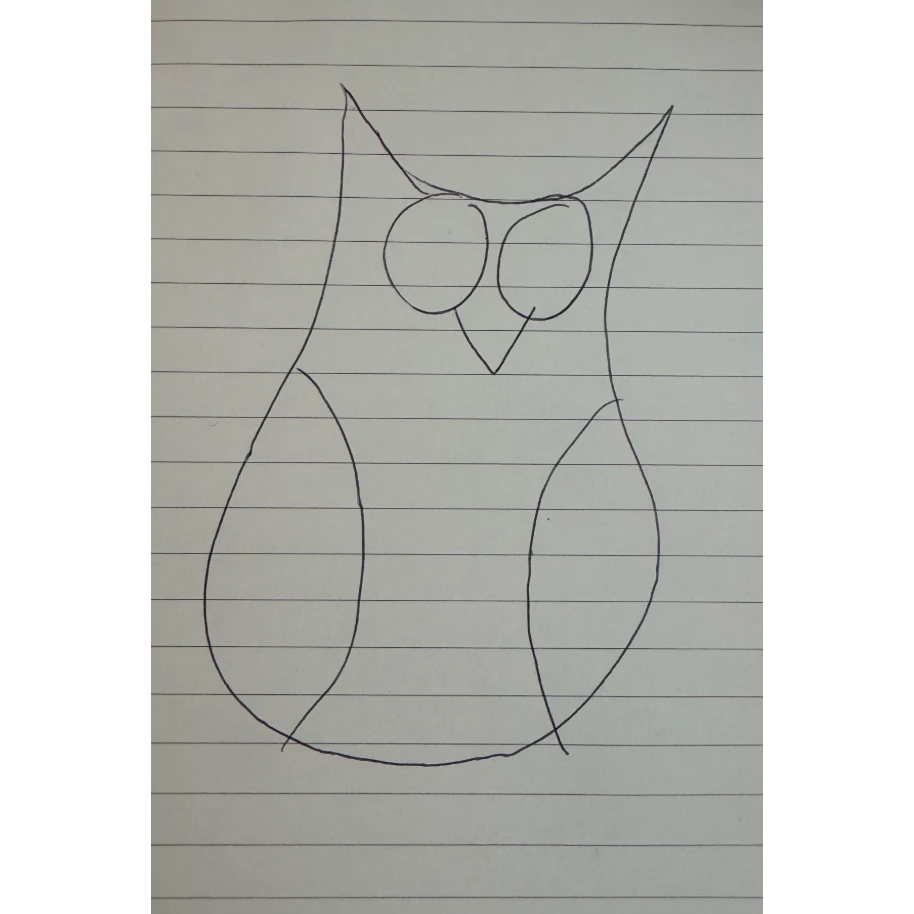
GIF is another new capability. Users can describe it in one sentence, or upload a photo or a hand-drawn sketch, and let the model turn it into an animated image. Examples OpenAI gives include: bringing a brand mascot to life, turning a product image into a looping mini-animation, and using an animated preview to test character movements before shooting a video. The example prompt publicly shared by partner OpenArt asks the model to draw 6 consecutive frames in a single image arranged in 3 columns and 2 rows, then play them in order as an animated image. This approach is called a sprite sheet and is commonly used in game animation. It is suitable for stickers, mascots, and looping product mini-animations, but not for long animations. Some users added limitations from the API documentation: GIF is only available in the generation endpoint; the frame count is 2 to 64, default 9 frames, each frame 20 to 2000 milliseconds, default 200 milliseconds. SVG can also only go through the generation endpoint, and n must equal 1; the editing endpoint currently does not support outputting SVG or GIF, and SVG cannot be used as editing input either. If you want to use it to modify an existing logo, you can only regenerate it and cannot edit the original image. These limitations come from the user Wangchuan and Red Panda AI's organization of the API documentation.
There are two versions in the API. Flare leans toward speed; when quality is set to low, it can produce an image in about 6 seconds at the fastest; for images that need layout, such as posters and product images, the results have also improved. Sunburst leans toward quality; when quality is set to medium or high, there is more detail, and after several rounds of continuous edits, the appearance of people and products is less likely to drift. These speed and quality claims come from OpenAI, and there are no third-party test results yet.
DesignArena says GPT Image 2.6 Sunburst ranks first on Image Arena, surpassing the previous generation Image 2.5 Sunburst; 2.6 Sunburst and Flare have also redrawn the frontier of generation and editing capabilities in terms of preference and speed. This ranking is the platform's claim; actual experience still depends on the specific task.
Among the other new features for developers, two are worth noting. Image annotation has moved from ChatGPT into the API: circle the area to be changed on the image, and the model changes only that part. The complexity parameter controls how much effort the model spends arranging the scene before it starts drawing; the quality parameter controls how clear the details are, while complexity controls how many things can be arranged in the scene. OpenAI recommends using low complexity for simple edits, and medium or high for scenes with many elements and requirements. Design tool Figma Weave, image editing app Picsart, and others have already integrated it ahead of time. Codex has also changed its image editing method: editing happens directly in an overlay, and no longer opens a sidebar.
Pricing: Images 2.6 can be used across all subscription tiers of ChatGPT and Codex, and the announcement does not mention any extra charge. OpenAI's pricing page shows that 2.6's Flare and Sunburst are priced the same: $30 per 1 million tokens for image generation, $8 per 1 million tokens for input reference images, and $5 per 1 million tokens for input text. This is the same as the previous generation 2.5. Flare is faster, but its per-token unit price is the same as Sunburst. The batch processing price list on the pricing page does not yet include 2.6. Google's comparable model launched in October, Nano Banana 2.1, also charges $30 per 1 million tokens for image generation; converted according to Google's pricing page, a 1K-resolution image costs about $0.034.
One user offered a practical workflow: first use Flare with low quality to make a draft, about 6 seconds at the fastest; use low complexity for small edits; then switch to Sunburst for the final version to maintain consistency. This order is suitable for testing the waters first—don't start by maxing out all parameters on a complex scene. SVG export is practical for tool sites, icons, diagrams, icons in foreign trade workflows and quotations, provided the paths don't break into a messy jumble. Whether it can be exported directly on the ChatGPT side, and when the editing API will support SVG and GIF, are still unanswered in the announcement. Trying it first with a small image is more reliable than watching the launch video.
发布时间: 2026-11-05 10:27