OpenAI Makes Image Generation 50% Faster and Lets ChatGPT Make GIFs
Images 2.6 is live in ChatGPT, Codex, and the API, with 50% faster generation, GIF support, and reusable reference images; the API adds two models, Flare and Sunburst. Someone used Claude plus GPT Image 2.6 to build a website demo, and the comments are already comparing whether 2.5 or 2.6 follows instructions better.
OpenAI has released Images 2.6, live simultaneously in ChatGPT, Codex, and the API, covering all subscription tiers and available on web, desktop, and mobile. The official numbers: users worldwide generate 4 billion images per week across ChatGPT, Codex, and the API, averaging more than 500 million per day. The focus of this upgrade is not image quality but speed. Images 2.6 generates images 50% faster than before.
Official demo video:
GIF is the most shareable feature this time. ChatGPT can turn a prompt or an image into an animated GIF, with adjustable speed, single-frame editing, and looping for sharing. Coco Mao of OpenArt said GIF is the native language of social media. That is not an exaggeration. Memes, looping product GIFs, and character idle animations are all ready-made use cases. The official examples are concrete: turn a brand mascot into a campaign animation, turn product images into a looping showcase, or use an animated storyboard to test character motion before making a video.
GIF demo video:
Reference image reuse is another less obvious feature that will change habits. Reference images of yourself, your pet, or a character can be saved and called up directly next time, without repeated uploads. For occasional image users, this saves a step. For people who often work with the same character or product image, it turns reference images into an asset library.

On the API side, there are two new models: GPT-Image-2.6 Flare and Sunburst. When quality is set to low, Flare can produce an image in as fast as 6 seconds, and it improves layout quality for professional visuals such as posters and product images. Sunburst targets higher quality and higher editing consistency, suitable for tasks with many details and stability requirements. The API also brings image markup and SVG export; the former can mark specific edit locations, and the latter lets designs enter websites, apps, and print workflows. The new complexity parameter controls how much planning the model does to satisfy a request, while quality controls detail and fidelity. The official recommendation is to use low complexity with the required quality for most editing tasks, and medium-to-high complexity when there are many scene elements and constraints.

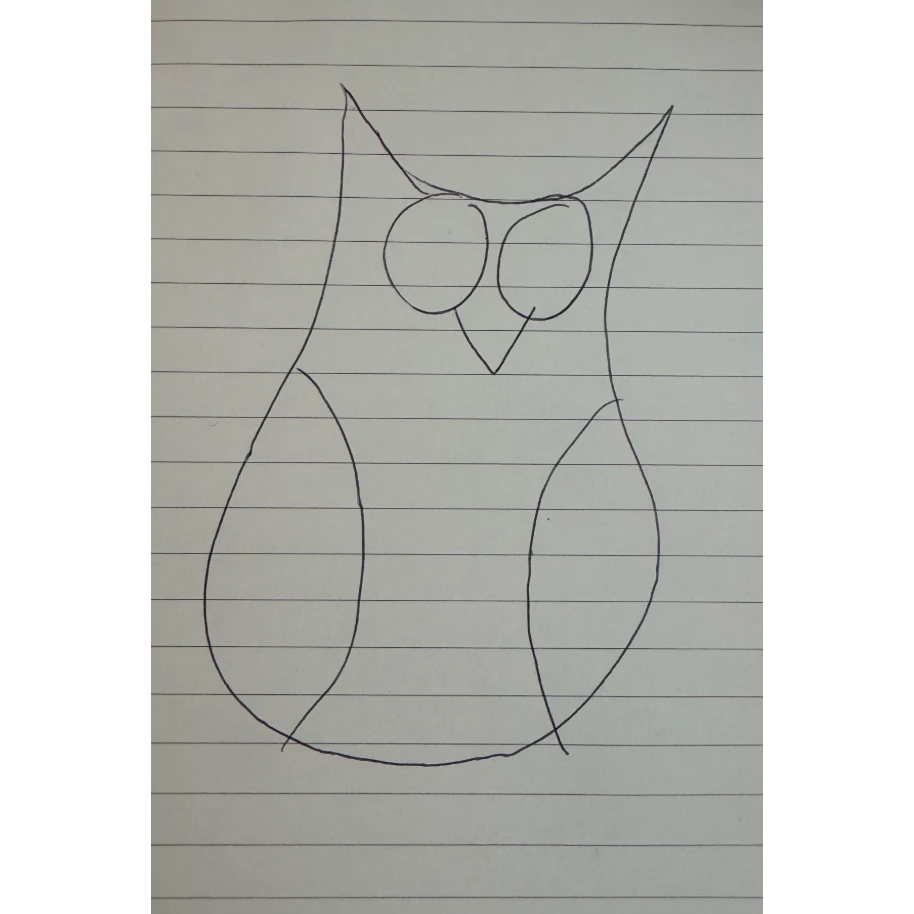
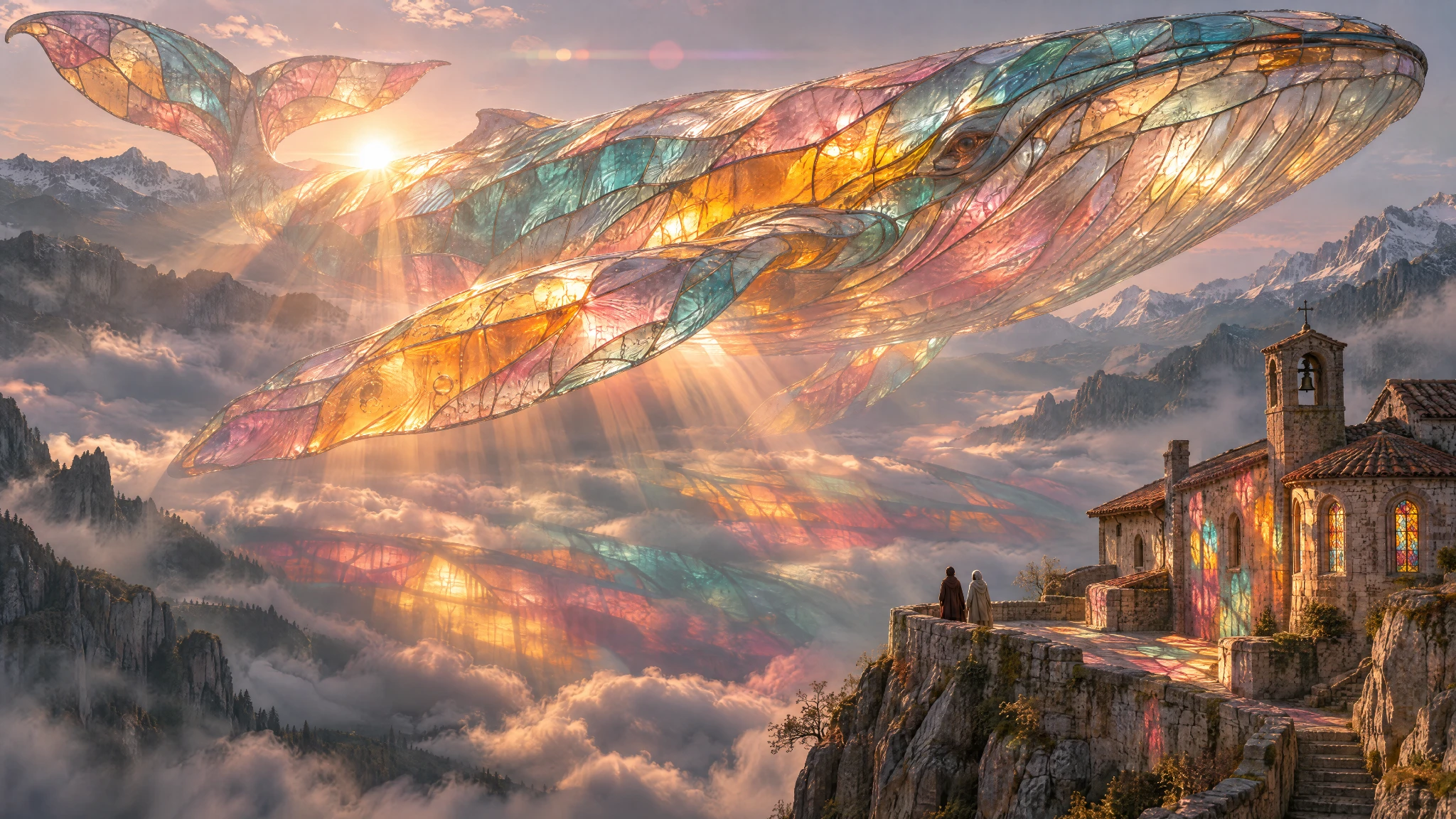
Among customer cases, Itay Schiff of Figma Weave values the preservation of character, product, and brand details. Davit Avoyan of Picsart says 2.6 is faster, more accurate, and better at character consistency. Town used the API to experiment with animated characters. OpenAI also included a pen-drawn owl and a multicolored glass whale; the former shows that a simple sketch can become an animated character, and the latter demonstrates high-detail generation. Taken together, these examples point in the same direction: image generation is moving from one-off output to assets that are editable, reusable, and ready to enter production workflows.
Viktor Oddy's demo uses this combination more directly. He used Claude for layout and GPT Image 2.6 for visuals to build a virtual try-on website. When someone asked about the workflow, he gave the MotionSites prompt link and the Studio entry point. Take an existing prompt, change the object, colors, and copy, then download the code. In the comments, someone summed it up as Claude handles layout and GPT Image handles visuals. The division of labor is not mysterious; the value is in shortening the back-and-forth between design and frontend.
Demo of editing the prompt and downloading code in Studio:
In the comments, someone did a same-prompt comparison. 2.6 Flare drew the app screen as requested. 2.5 Flare added a tagline, a balance label, 4 dates, and 4 avatars on its own. This comparison is more convincing than a parameter table. Only when the model starts to be less opinionated does editing consistency become meaningful. Otherwise, every step requires deleting the extra things the model added, and the speed gain gets eaten by rework.

Two numbers need to be viewed calmly. 50% is a speed improvement, not a halving of time. 6 seconds only holds for the API's Flare model with quality set to low. Treating it as ChatGPT's default image generation speed would lead to the wrong conclusion. The names Flare and Sunburst sound like two bands; the names do not affect benchmarks, but they add memory cost.
For developers, the practical choice in this update is a cost-and-quality tiering: use Flare with low quality for quick drafts, and Sunburst with medium-to-high quality for complex scenes and editing consistency. For ordinary users, GIF and reference image reuse are easier to understand than model names. For people making characters, product images, and brand images, the real metrics to watch are whether the same character still looks like the same person after five changes, and whether the details of the same product drift after three scene changes. OpenAI has pushed the tools one step further into workflows this time; the rest is left to users' patience and taste.
Related links:
OpenAI Images 2.6 announcement
MotionSites virtual try-on prompt
MotionSites Studio
发布时间: 2026-11-06 18:29